Display Layouts, Done Right.
Create profiles, arrange displays, and move across them however you like.
Quick Preview
Canvas setup
Simple by Design
- Auto profiles Load the right setup automatically when displays change.
- Real layout Arrange monitors the way they sit on your desk.
- Preset history Return to older arrangements anytime.


Portal Links
Choose where each screen edge takes you.
Cursor Lock
Lock your cursor to one display, or hold to invert.
Border Resistance
Cross only when you mean it, fast or slow.
The smaller stuff that adds up
Pin the Dock
Pin the Dock to one display so it stops jumping around mid-task.
Game Mode
Play fullscreen games: cursor stays in, menu bar and hot corners stay out.
Hot Corners Everywhere
Every corner works, even where two displays meet.
Ignore Powered-Off Displays
No more cursor or windows disappearing into powered-off displays.
Cursor Jump
Jump the cursor to another display with a hotkey, instead of swiping across your whole setup.
Per-Display Cursor Speed
Tune cursor speed per display, so movement feels right regardless of resolution.
Move a Side Dock
Move a left or right Dock between displays by pushing against the edge.
Custom Hot Corners
Extend macOS Hot Corners with custom actions by display and modifier key.
Resolution Override
Set the resolution and refresh rate each display should use when a profile activates.
Hide the Menu Bar
Hide the menu bar on selected displays while keeping it visible on the rest.
See it in action
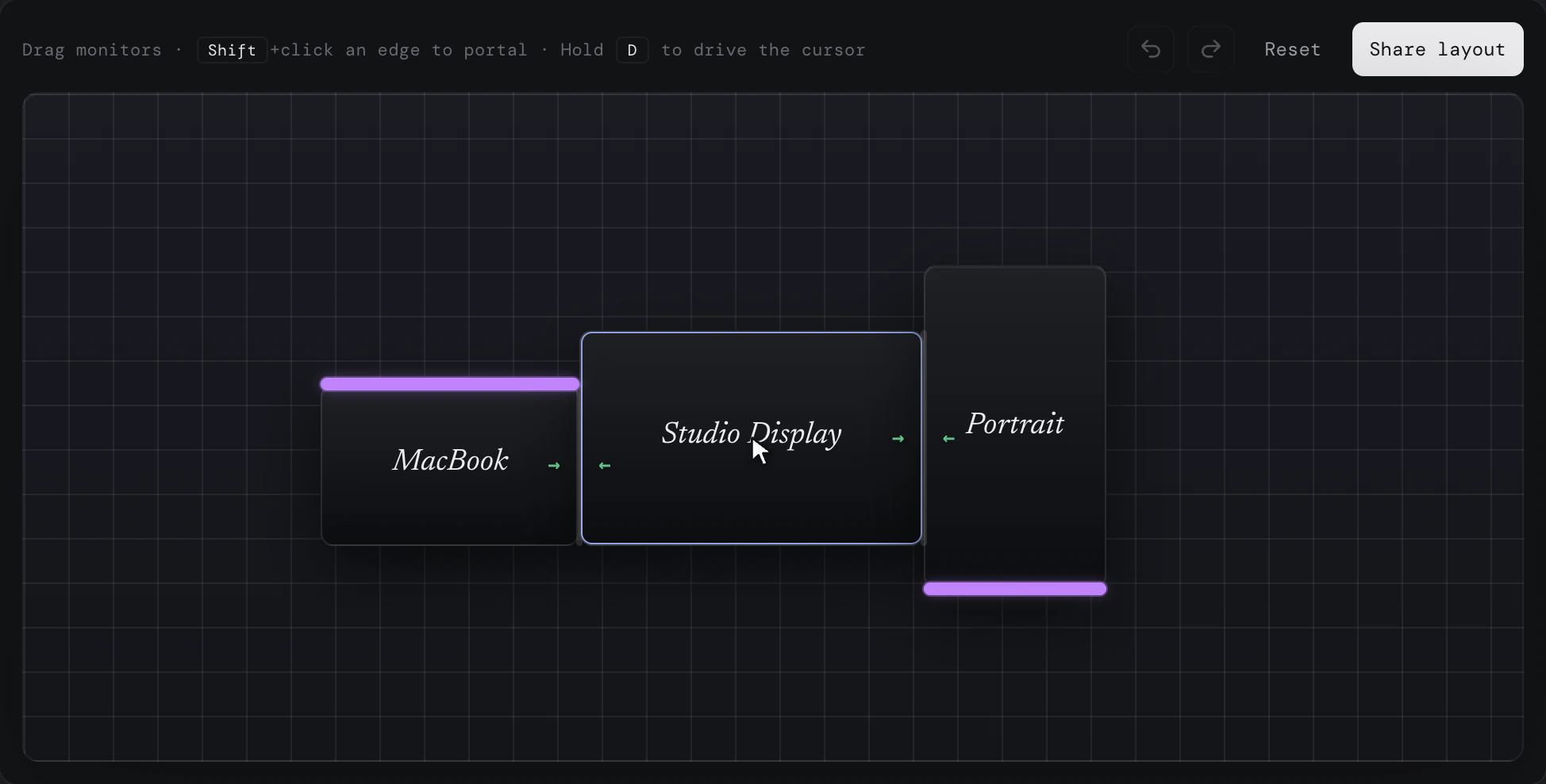
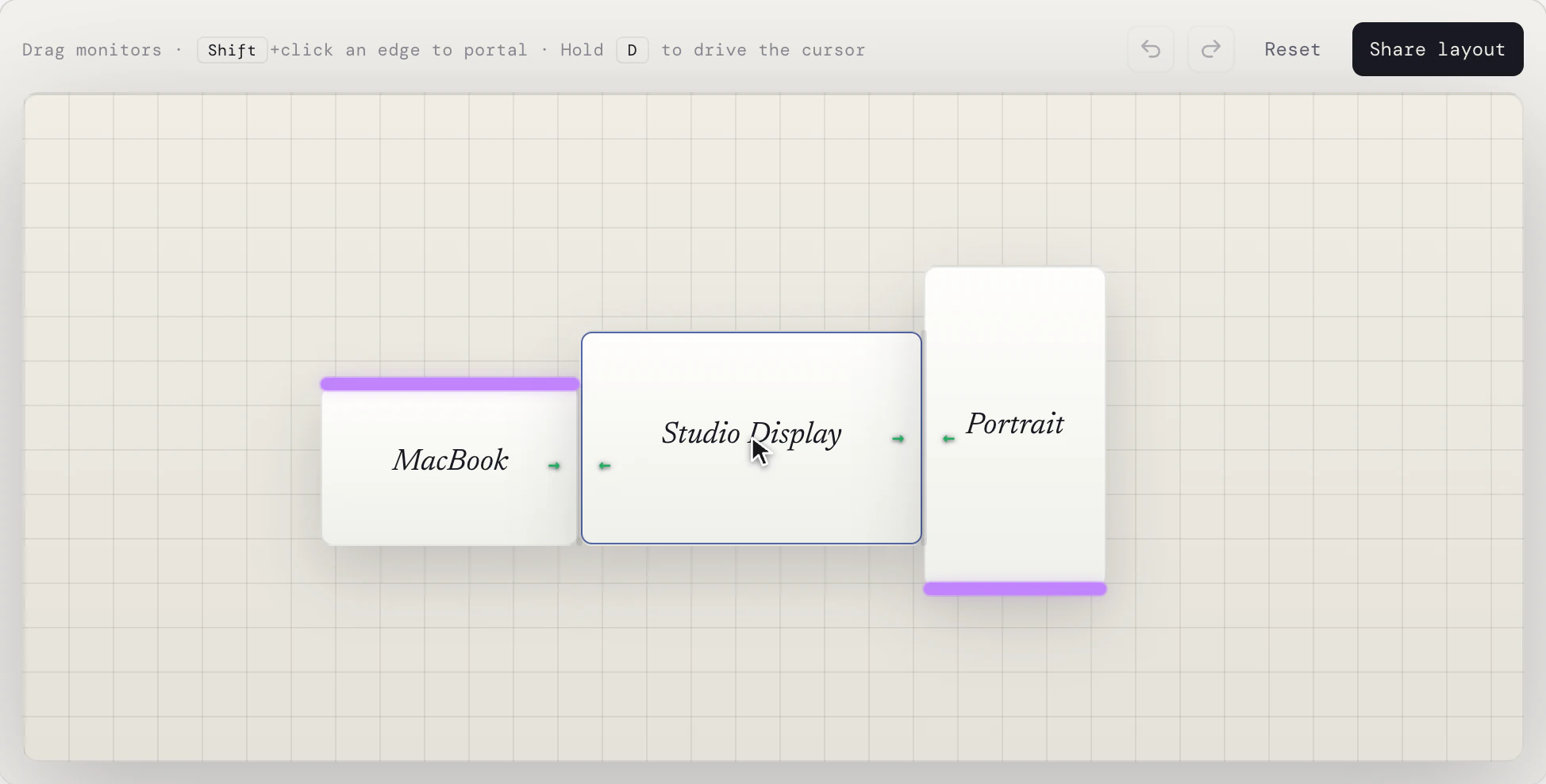
Try it in your browser
Drag monitors, create portals, and move the cursor across with your mouse and keyboard.
Pricing
Free
- Arrange displays
- Unlimited profiles
- Cursor Lock
- Pin the Dock
- Resolution overrides
- Cursor Jump
- Hot Corners Everywhere
- Native mode
Pro everything in Free, plus
- Game Mode
- Border Resistance
- Portals
- Ignore displays
- Per-display cursor speed
- Hide menu bar per display
- Custom Hot Corners
- Displace mode
Check your inbox for your license key, then open Displace and paste it under Settings to activate. The email can take a couple of minutes; check spam if it doesn't show up, or write to support@displaceapp.com.
Questions
Does the app collect analytics?
No. Displace does not collect analytics or track how you use your Mac or the app.
How do the trial and license work?
When you first launch Displace, a 14-day Displace Pro trial starts automatically, no email or signup required, and unlocks every Pro feature. When the trial ends, Displace keeps working on the free tier, and the Pro features turn off.
Displace Pro is a one-time $15 purchase. One license covers up to 5 of your own Macs. If you ever activate a 6th, the one you've used least recently is deactivated automatically, so your license never fills up. It's a lifetime license with free updates. A future major version may be a separate paid upgrade.
If you need a little more time to evaluate Pro, or need it on more than 5 Macs, just get in touch at support@displaceapp.com.
Why isn't Displace on the Mac App Store?
Displace works by controlling cursor movement across displays. The Mac App Store is not a good fit for that kind of app, so Displace is distributed directly.
To control cursor movement, Displace requires Accessibility permission. You can still open and interact with the app without granting it. The cursor engine just won't run until permission is granted.
What system settings does Displace change?
When Displace is running and active, it temporarily adjusts your macOS display arrangement. This helps Displace manage cursor movement more reliably and avoid visual cursor glitches.
Before doing this, Displace saves your current display arrangement and restores it when the app stops running, so your Mac returns to its normal setup when Displace is not active.
When Game Mode is active, Displace also temporarily disables hot corners to prevent accidental activation. When Game Mode is turned off, your original hot corner settings are restored.
Displace comes with a Background Helper to restore these settings if the main app cannot do it itself, such as after a crash, force quit, or unexpected shutdown.
What are Native and Displace modes?
Displace has two Cursor Modes: Native and Displace.
In Displace mode, Displace takes control of your cursor, so macOS is no longer the one moving it. In Native mode, macOS controls the cursor normally.
Letting macOS control the cursor has a tradeoff: Displace has less control over exactly when and where the cursor moves between displays. If macOS moves the cursor somewhere Displace did not expect, Displace may need to move it back afterward.
Displace mode avoids this because Displace controls cursor movement directly. This makes the experience smoother and allows features like Game Mode to work properly, because Displace can lock the cursor to one display with confidence that it will stay there.
Both modes are available so you can get the best possible experience while still having the flexibility to fall back to Native mode for any input device where it works better.
Are there any limitations I should know about?
There's one worth knowing about. By default, Displace temporarily separates your displays so it can manage cursor movement reliably. This means drag selections that start on one display and continue onto another may not work as expected, such as when selecting files on the Finder desktop or taking a region screenshot.
To avoid this, enable "Mirror macOS arrangement" in Displace settings to keep your display layout aligned with macOS, though it comes at the cost of reduced support for "Cursor Lock" and "Border Resistance" in Native mode, and, in some cases, the "Pin the Dock" feature.
Get in Touch
Own your displays.
Build the layout you actually want.